Multi-model AI image studio
Try Nano Banana 2, GPT Image 2 & Seedream 5 in one AI image studio
Write the scene, add a reference when it matters, then choose the image model that fits the finish you need. Compare leading AI image models without learning a new workflow for each one.
Mona Lisa 1 status
Looking for the Mona Lisa 1 AI model?
Mona Lisa 1 has appeared in public evaluations, but its developer, production API, pricing, and commercial terms are still unconfirmed. monalisa-1 does not relabel other models as Mona Lisa 1. You can use the available image models in this studio today while the model's status remains unverified.
Try the available image modelsOriginal prompt studies from the image studio
These are original prompt studies generated with Nano Banana 2, shown with their real prompt direction. As more model-specific studies are generated, each card will name the exact engine used.
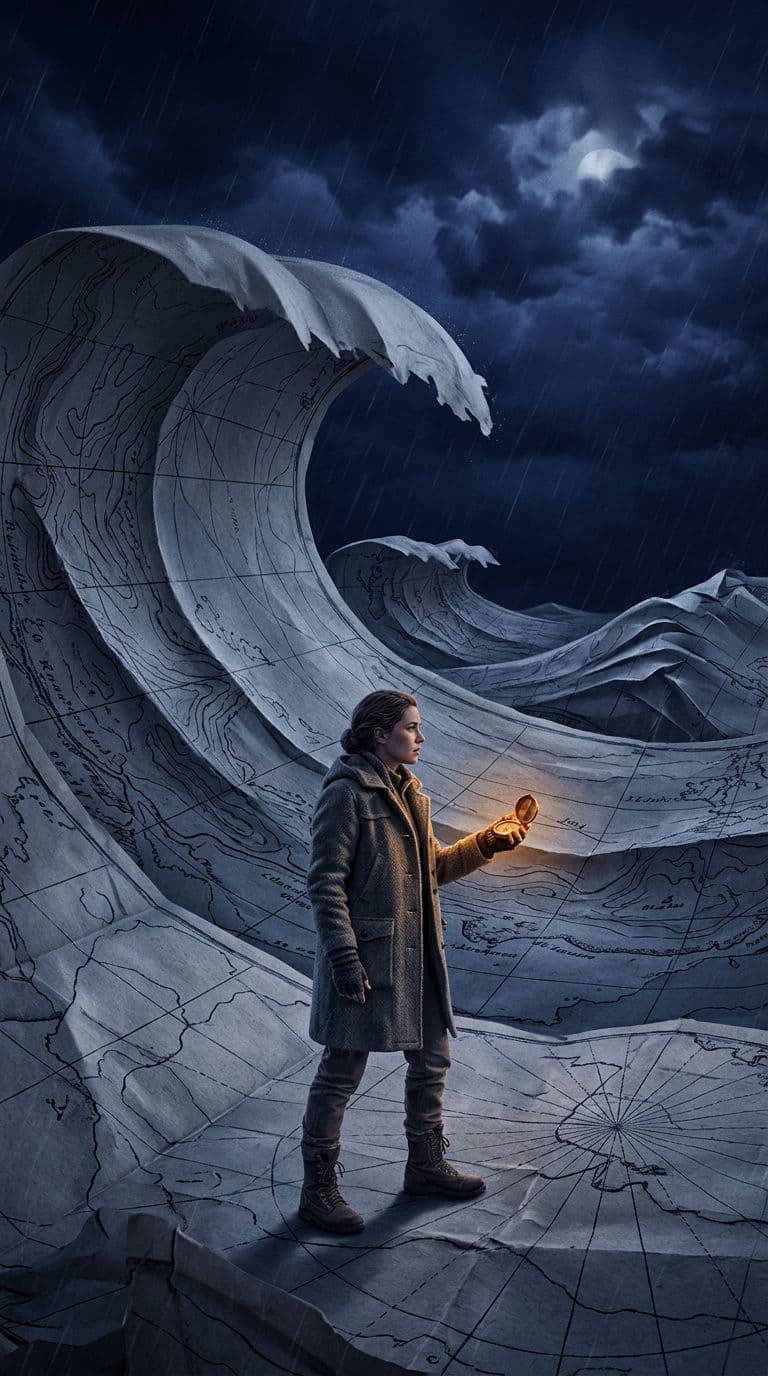
A cartographer holds a brass compass while a folded paper map rises into a midnight ocean wave, cinematic editorial illustration, indigo rain, warm amber glow, vertical composition.
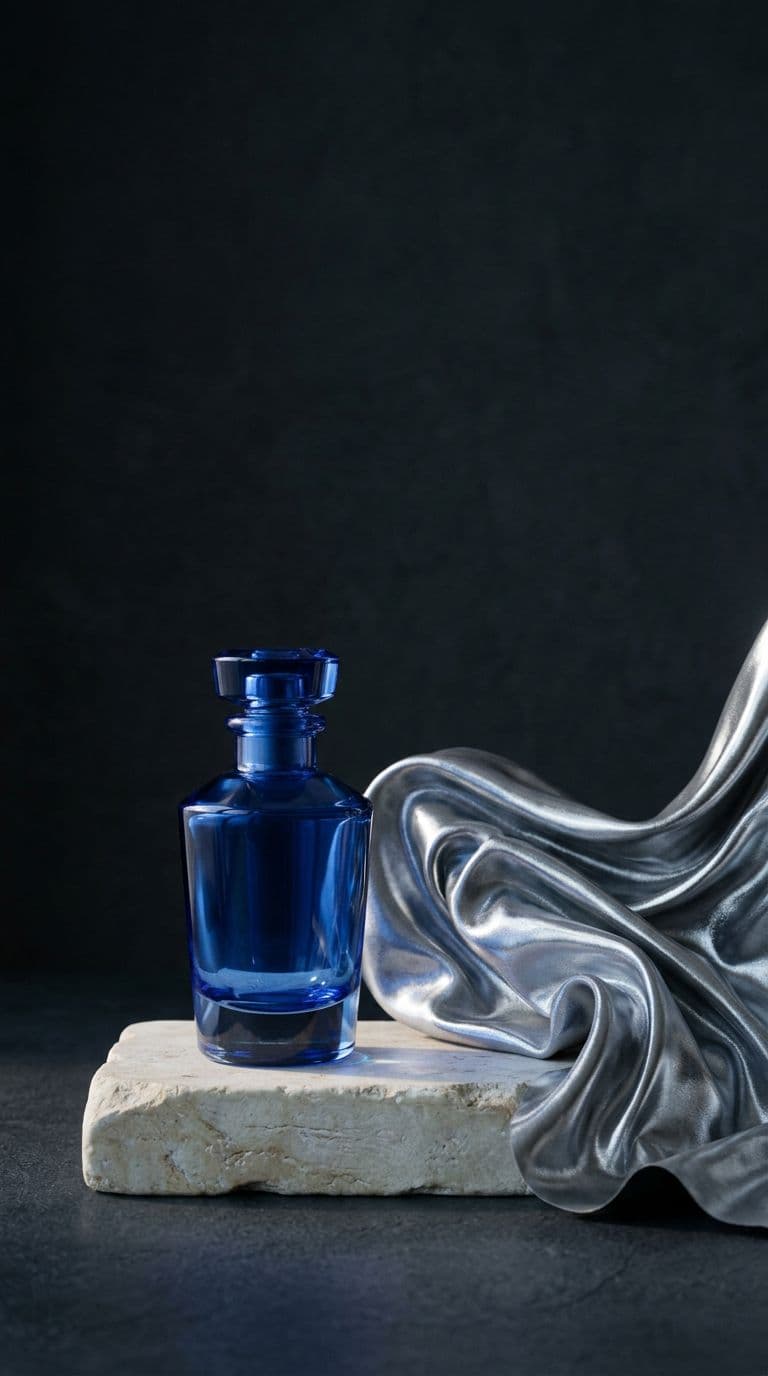
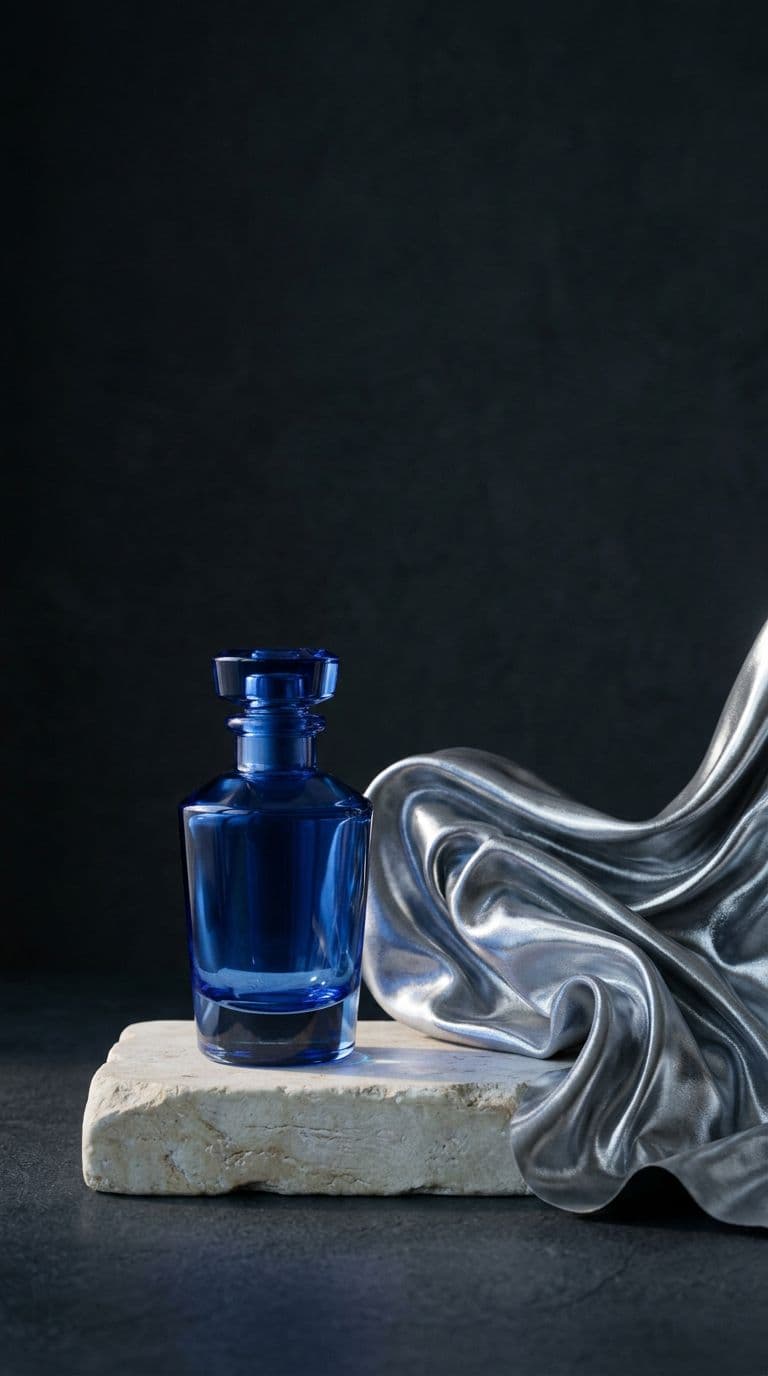
A translucent cobalt perfume bottle on limestone beside a curling silver fabric, refined still-life photography, cool dawn light, crisp glass caustics, deep charcoal background.
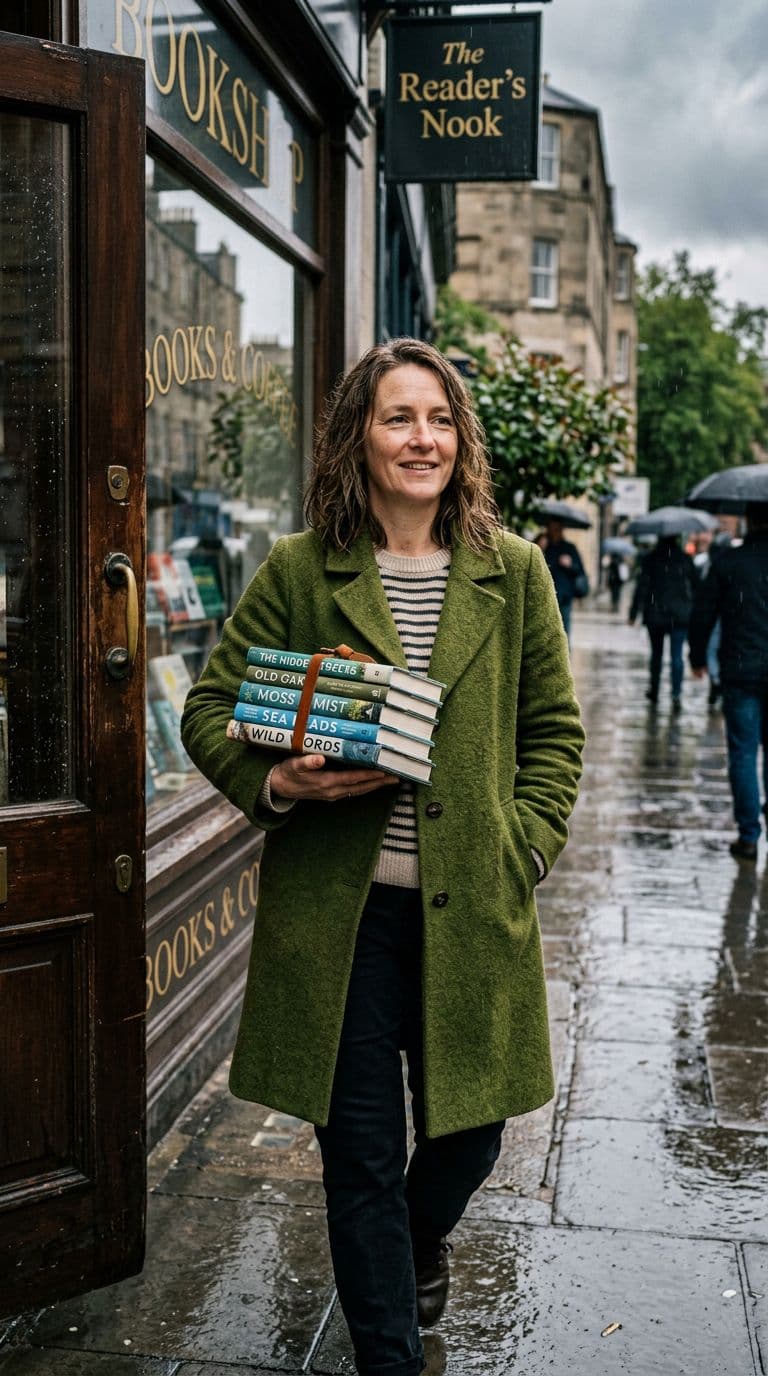
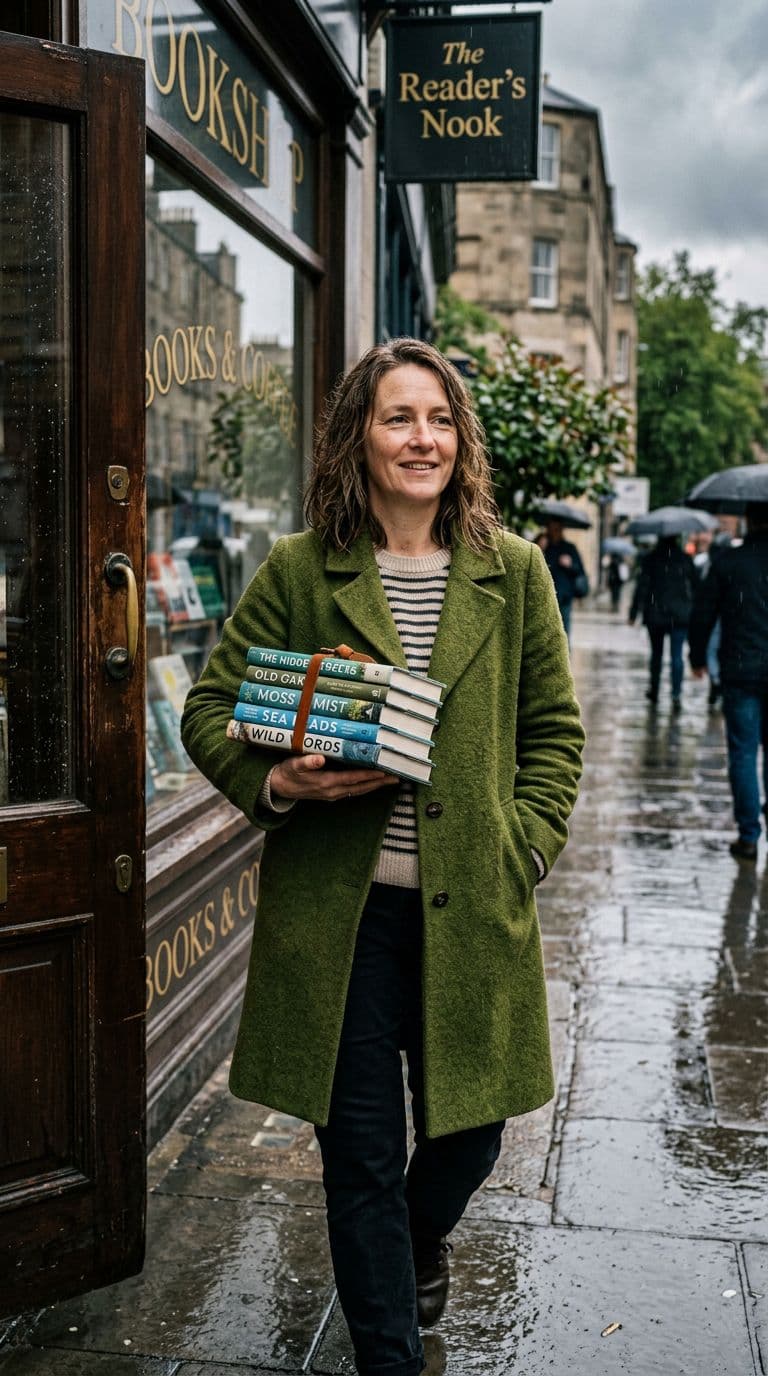
An independent bookshop owner in a moss-green coat steps into a rain-bright street carrying a stack of books, candid editorial photograph, natural skin texture and soft film grain.
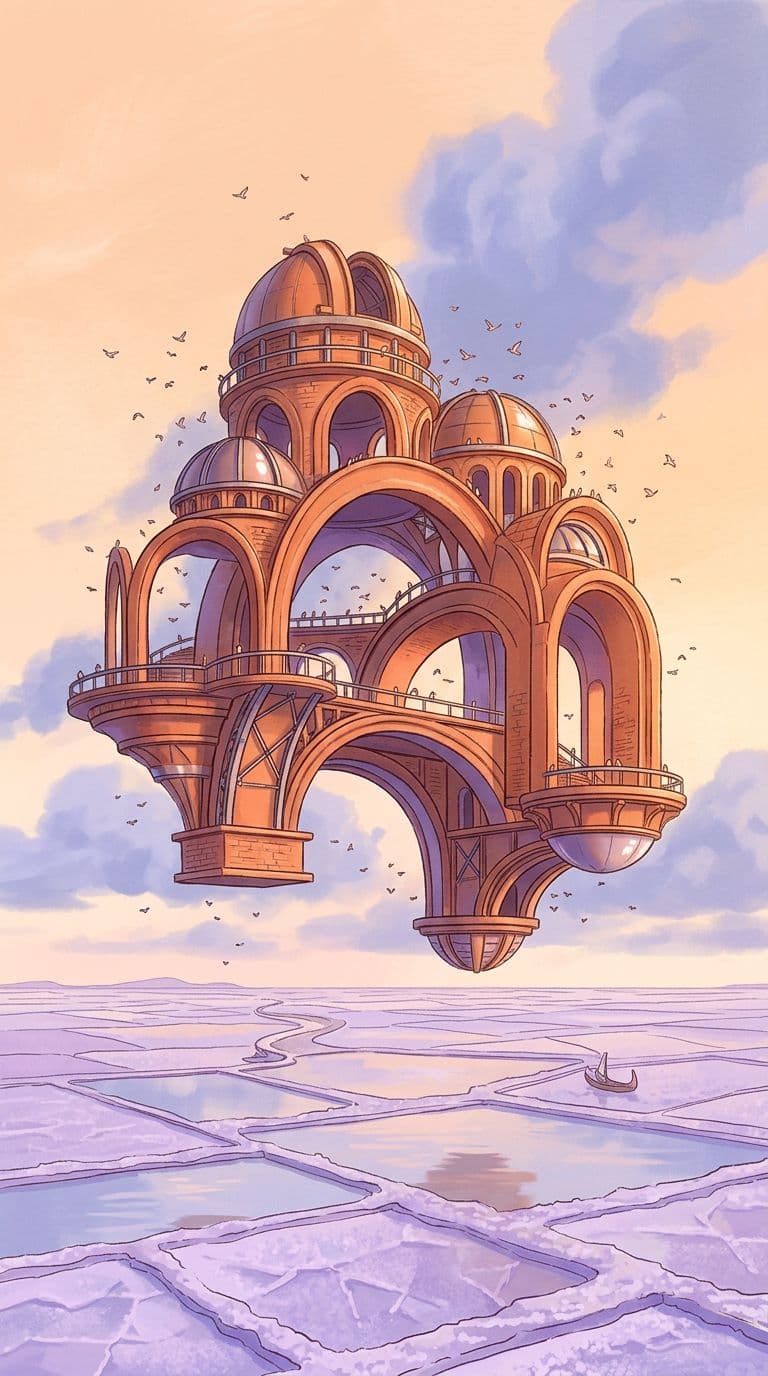
A floating observatory of warm terracotta arches hovers above a lavender salt flat at sunrise, architectural concept art, tiny birds and soft violet shadows.
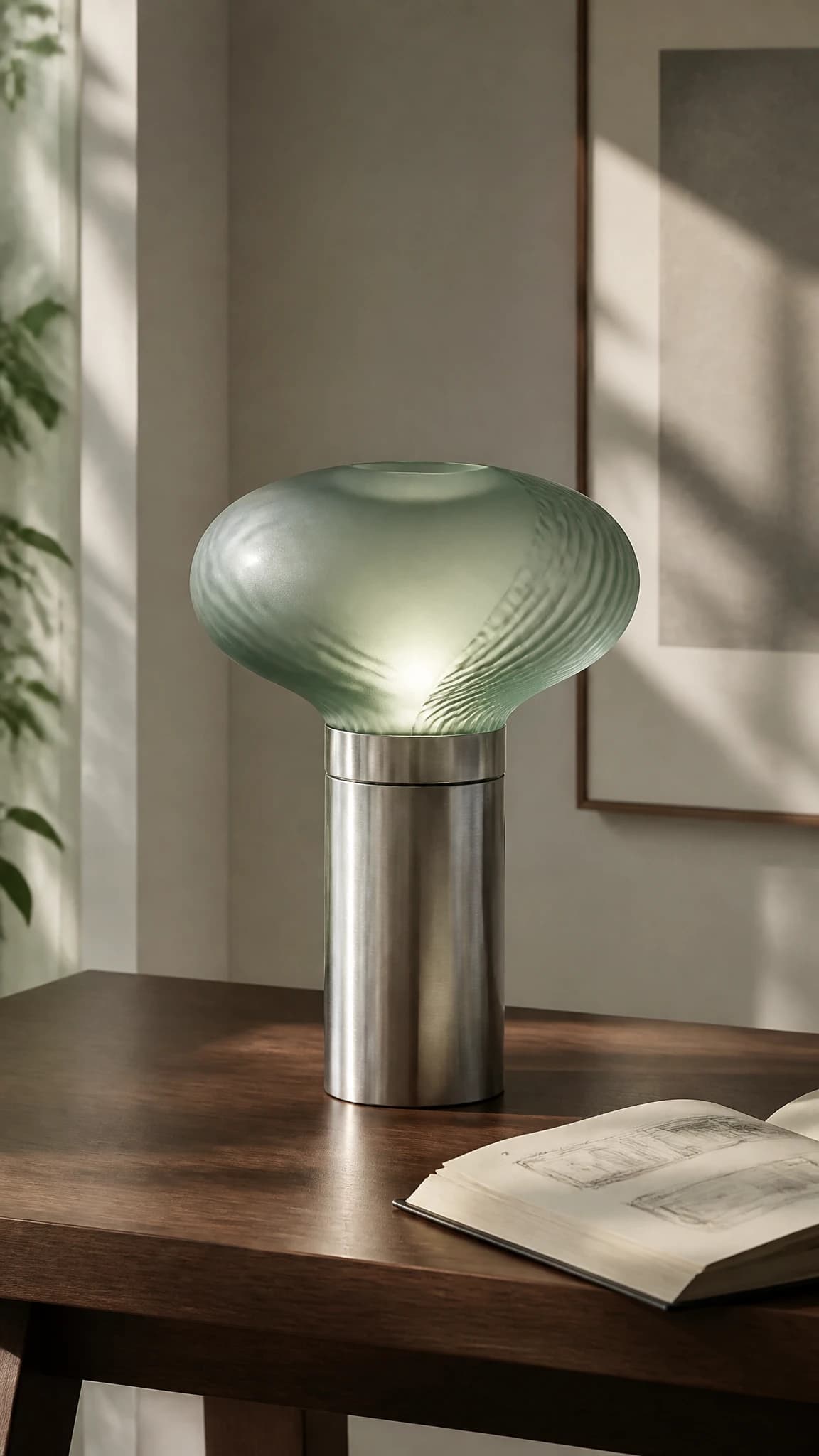
A sculptural desk lamp made from frosted sea-green glass and brushed aluminum on a dark walnut table, editorial product photography, soft late-afternoon light.
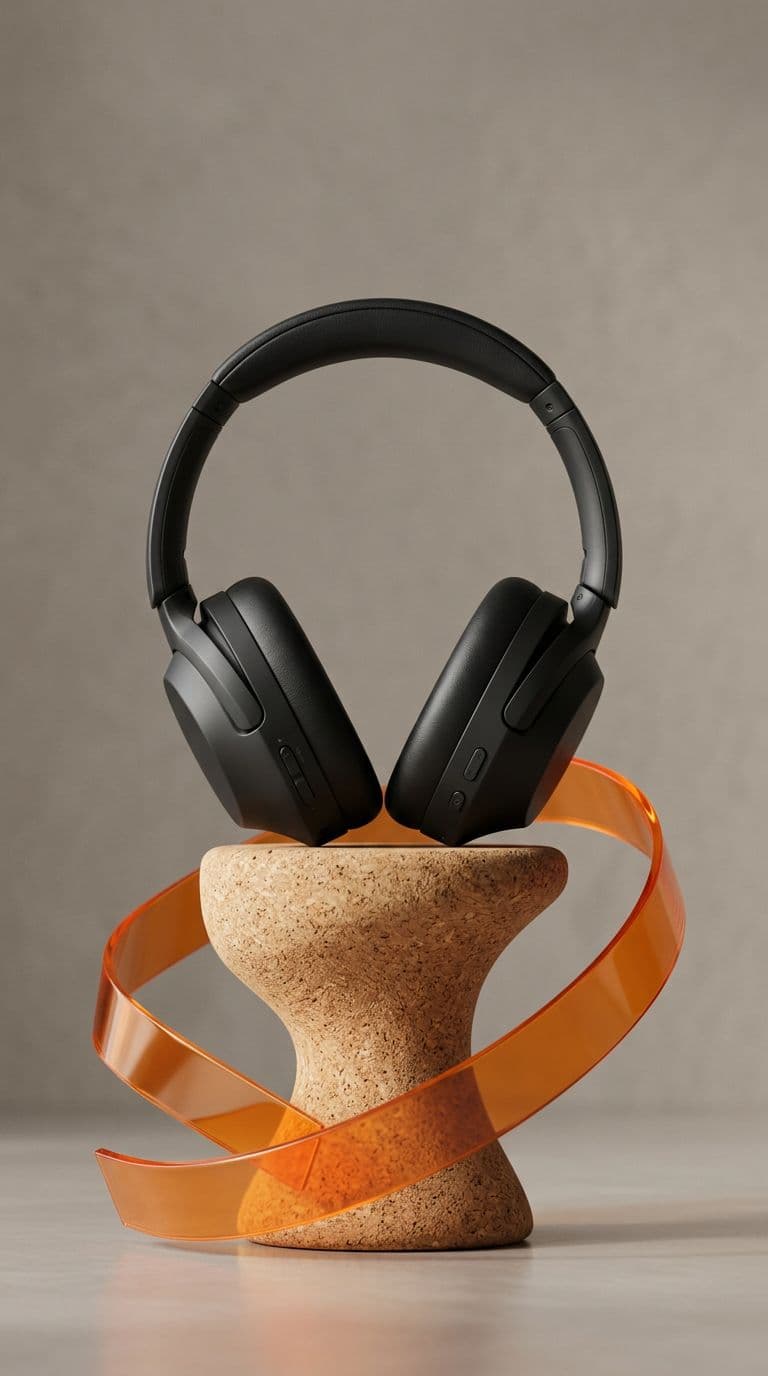
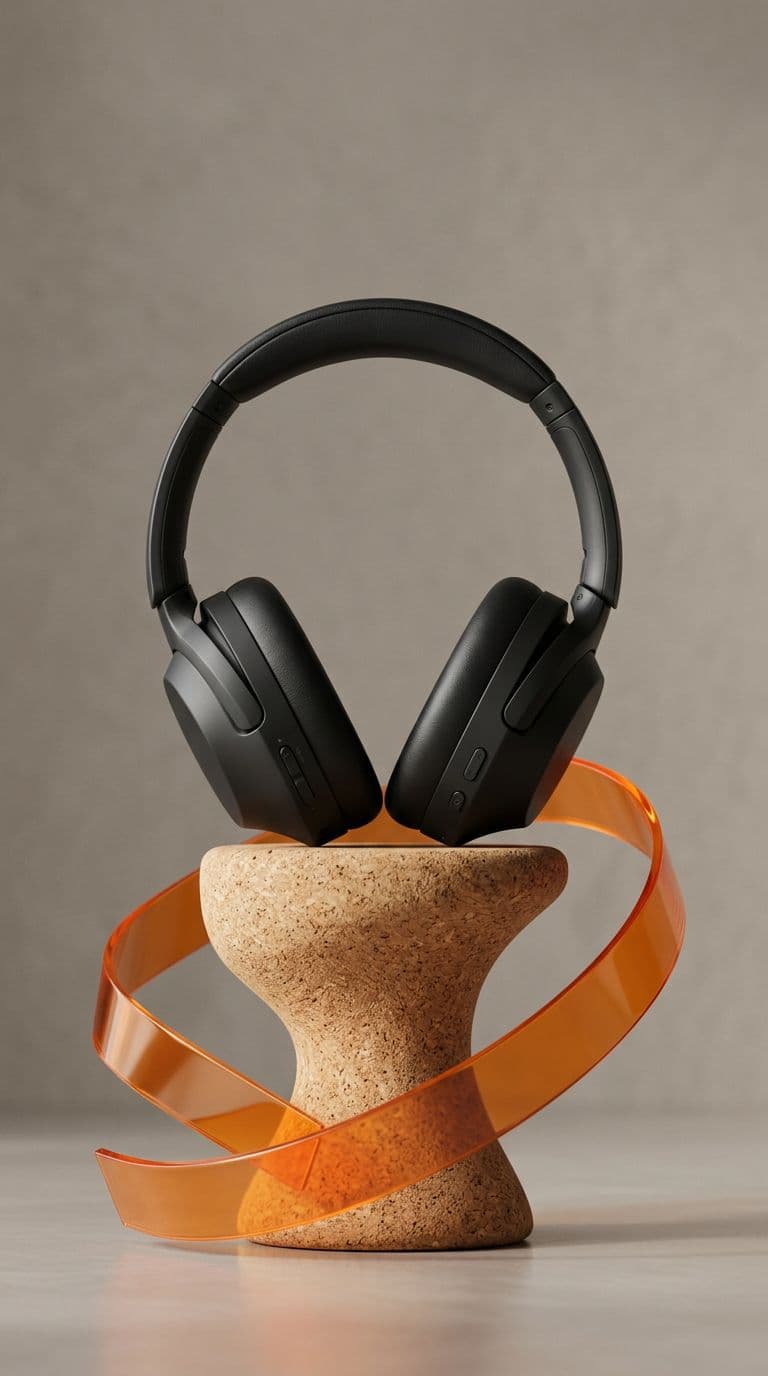
Matte black headphones on a sculptural cork pedestal with a single curved orange acrylic ribbon, premium catalog photography, warm gray studio backdrop.
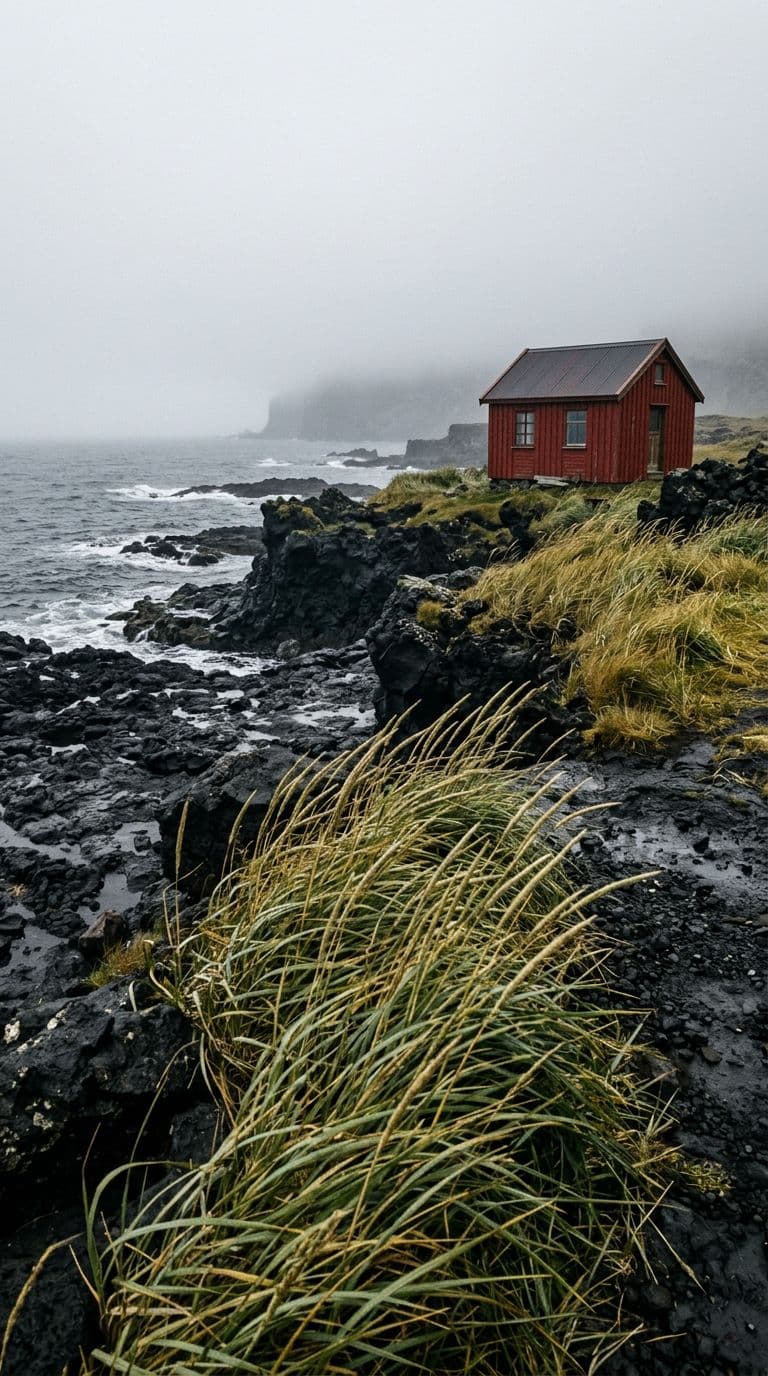
A red research cabin on a wind-carved black volcanic shore beneath low summer fog, sea grass bending in the foreground, quiet cinematic landscape photography.
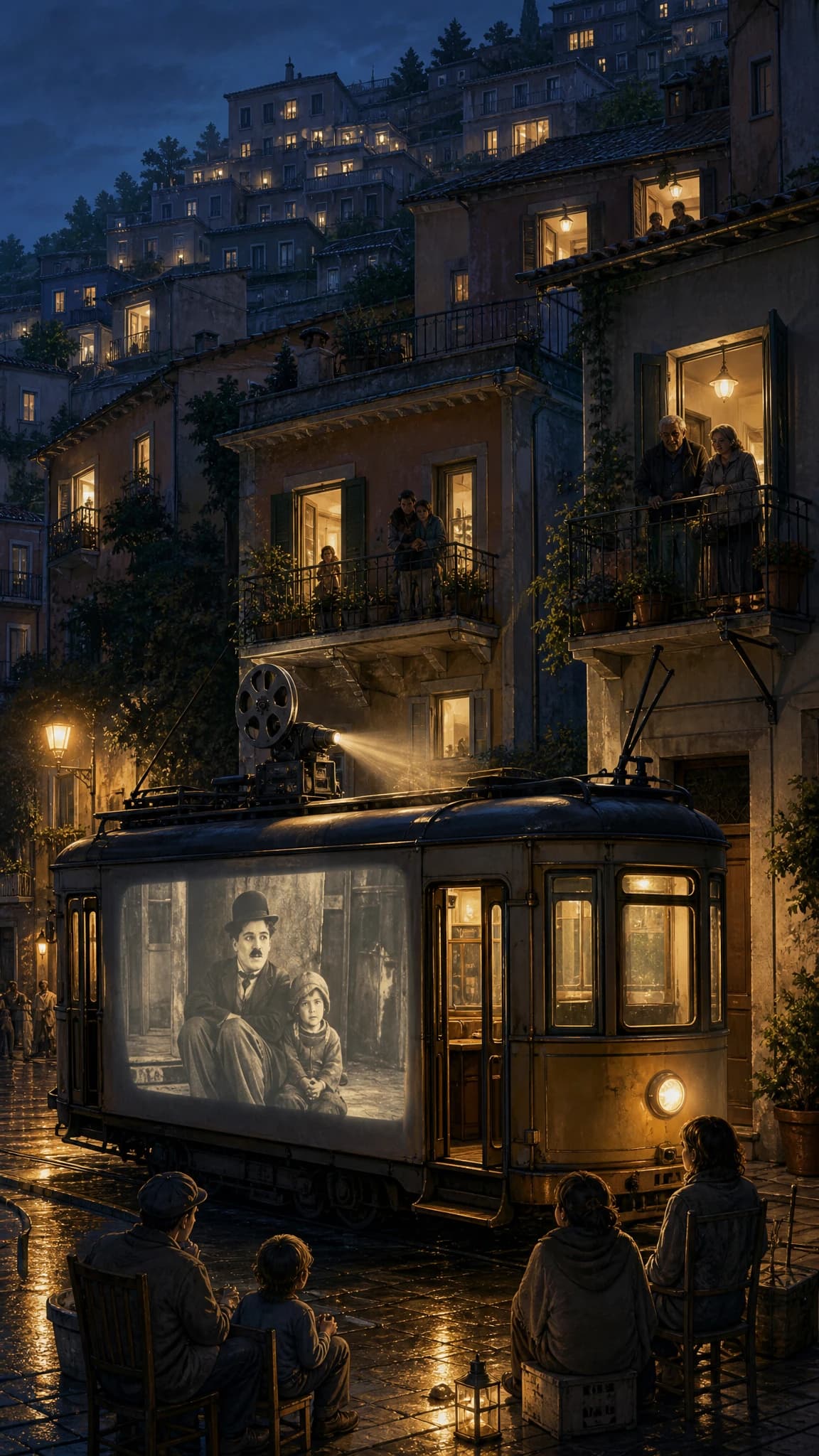
A tiny travelling cinema is projected onto an old tram in a hillside town, neighbours watching from balconies, illustrated blue-hour scene with warm projector light.
AI image generation for the work before the final asset
Use monalisa-1 to develop a visual point of view, pressure-test a concept, and create a starting image for the next stage of your workflow.
Build a visual language for your channel
Turn recurring posts into a recognisable series. Use a short creative brief to set the palette, framing, energy, and subject, then make fresh images for launches, explainers, carousels, or announcements without forcing every post into the same stock-photo look.
Find the campaign frame before production
Explore a campaign concept while it is still inexpensive to change. Try different settings, hero objects, art directions, and crops for ads or headers, then carry the strongest visual territory into a finished design or photo shoot.
Make editorial images carry the story
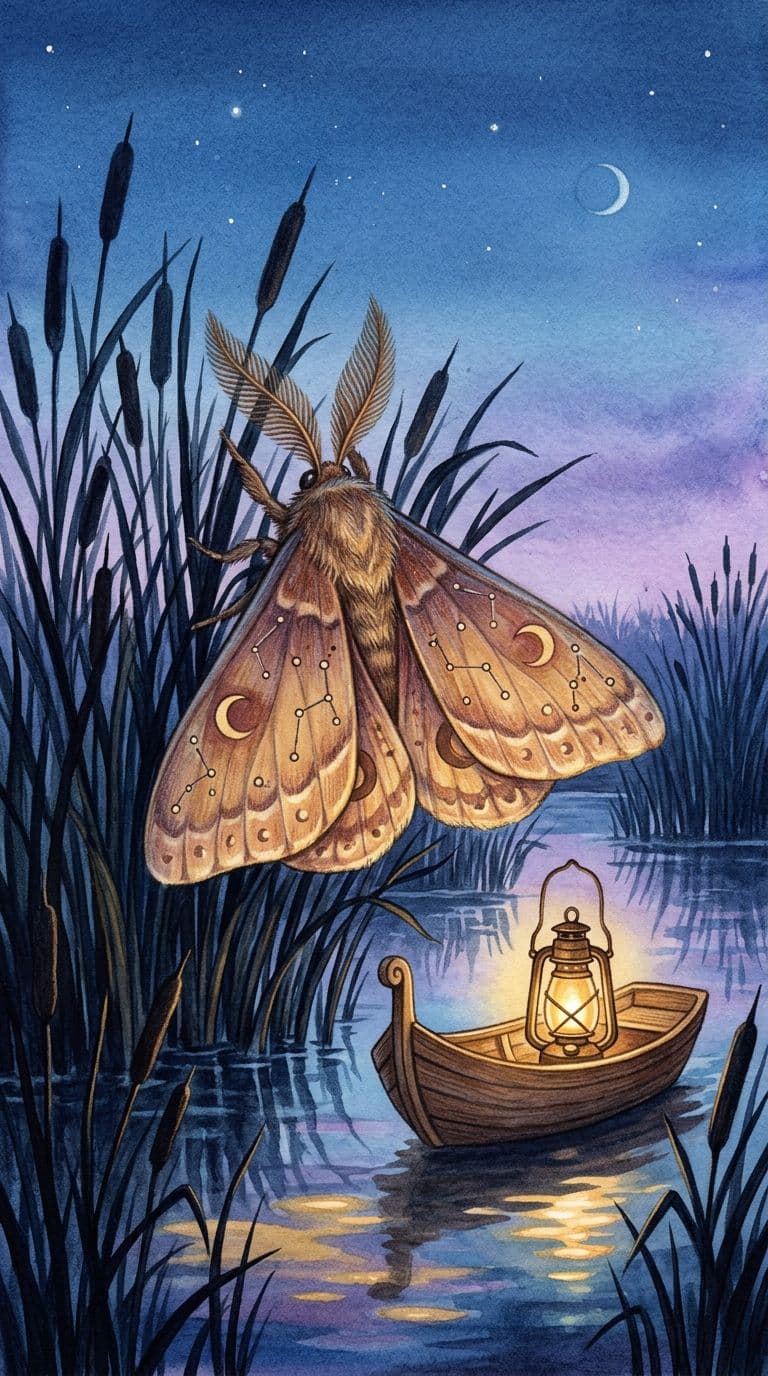
A good article image does more than decorate a headline. Translate the central tension, metaphor, or audience into a purposeful scene, illustration, or cover treatment that belongs to the piece you wrote.
Prototype the world around a product
Use AI images to test a product setting, packaging mood, or lifestyle composition before committing studio time. It is a fast way to discuss what the product should communicate—not a substitute for the verified product photography your store needs.
From image direction to usable starting point
A compact workflow for turning an intention into an image you can review, refine, and take into the rest of your process.
Set the creative brief
Start with the subject and its purpose, then add the choices that matter: framing, material, location, mood, light, and proportions. Specific direction gives the model a useful set of constraints to work from.
Choose an image engine
Select a model and aspect ratio that suit the intended image. monalisa-1 shows the credit cost before you run the request, so model choice is an informed part of the creative decision.
Refine the strongest result
Review the generated image, adjust the brief or reference, and save the version worth keeping. You can download completed files from your image library; resolution and permitted use depend on the selected model and plan.
Start with a stronger visual direction.
Open the studio when you have a scene to test, a reference to reinterpret, or a visual system to explore. Trial credits let you learn which model and direction fit the work before you scale up.
Credits that follow your image workflow
Explore with trial credits, then add capacity for more concepts and premium image models when the work calls for them.
Perfect for getting started
$0.029 / credit
800 credits added monthly
- 800 credits /month
- Text-to-image and image editing
- Up to 4K image generation
- Access premium AI models
- Multiple aspect ratios
- No watermark downloads
- Commercial-use friendly
- Community support
For teams and businesses
$0.013 / credit
4,000 credits added monthly
- 4000 credits /month
- Text-to-image and image editing
- Up to 4K image generation
- Access premium AI models
- Multiple aspect ratios
- No watermark downloads
- Commercial-use friendly
- Faster generation speeds
- Priority support
- Early access to new models
For creators and professionals
$0.022 / credit
1,600 credits added monthly
- 1600 credits /month
- Text-to-image and image editing
- Up to 4K image generation
- Access premium AI models
- Multiple aspect ratios
- No watermark downloads
- Commercial-use friendly
- Faster generation speeds
- Priority support
Frequently Asked Questions
Everything you need to know about creating AI images with monalisa-1 — from pricing to commercial rights.